MPC 600 S
An MPC 3000-style sampler and sequencer for the MPC Sample, with optional MPC 2000XL layout, USB Data Mode, 96 PPQN timing, swing, S-series programs and effects. Runs from SD with its own interface and leaves internal firmware unchanged.
Screenshots (3)
Images: from LA-2500/MPC-600-S
About
Sampler and sequencer OS for the Akai MPC Sample, based on the design of the MPC 3000 operating system: page layout, sequencer structure, timing correct and swing. Runs from the SD card via the stock autorun mechanism; the internal firmware is not modified. Remove the card to return to the stock OS.
Video manual
The full video manual on YouTube (53 min, in chapters): installation, sequencing, timing correct and swing, the arpeggiator, S600 programs, sampling, effects, saving and loading. Watch on YouTube
Download
| ⬇ OS v1.7A (MPC-600-S-OS-v1.7A.zip) | SD-card package |
| ⬇ Quick Start (PDF) | Installation, 3 pages |
| ⬇ Operator's Manual v1.7A (PDF) | Full reference |
| ⬇ Stems models (107 MB, optional) | Required only by the Stems page |
Links resolve to the latest release. Earlier versions: Releases.
Install
- Extract MPC-600-S-OS-v1.7A.zip. Copy the
autorunfolder to the SD card root (FAT32 or exFAT). Do not rename or edit its files: the stock runner verifiesautorun.check(SHA-256) before execution. - Power on with the card inserted. The stock OS boots; the MPC 600 S stops it and takes over the display and panel within 45 s of power-on.
- Stock OS: power off, remove the card. Update: replace the
autorunfolder. User data inMPC600S/is not touched.
Help for the current page: SHIFT + SAMPLE REC. Procedure and troubleshooting: Quick Start.
Specifications
| Sequencer | 99 sequences × 99 tracks, 96 PPQN; songs; Step Edit; Note Repeat; arpeggiator with step patterns and pattern editor |
| Timing correct | MPC 3000, MPC60, MPC 2000 and SP12 swing |
| Metronome | Click during audio takes and after Live Looper takes selectable (default off) |
| Sampling | 7–44.1 kHz, 16/12/8/4-bit, anti-alias filtered; sources: line in, INST (left channel, mono, 40 Hz HPF, 0–30 dB gain), mic, USB audio (UAC2) |
| Programs | MPC (drums); S600, taken from Akai's S-series samplers: a two-oscillator synth on each pad, envelopes, filters (incl. ladder low-pass), LFO; S600 MULTI: multisample instruments, 32 keygroups of two velocity zones, key tracking (KEY>PAN, KEY>FILTER, KEY>LEVEL, KEY>ENV) and instrument templates |
| Multisampling | Auto Sampler (you play each note; pitch detected, mapped by pitch and velocity on completion); Auto Map from file names and pitch detection (YIN); Root Auto-Detect for S600 sounds |
| Live Looper | One-pass takes dropped onto pads while the sequence keeps looping; layers without stopping; delete last take; conversion during the pass (IMMEDIATE) or after the first loop (AFTER 1ST LOOP), bit-identical either way; MIDI footswitch start/stop (AUDIO REC) |
| Footswitch | Any MIDI channel and CC, learned from one press; polarity worked out automatically (AUTO), or set |
| Recording defaults | Global start values on Additional Settings 2: sample rate (29.76 kHz; slider rates or SET to any), bit rate (12), anti-aliasing, normalize, Input Thru, mode |
| Editing | Trim, loop, zones (pad marks, equal regions, or TRANSIENT: a zone at every drum hit), warp, S-series timestretch, print effects; audio tracks; resampling |
| Stem separation | Open-Unmix UMX-HQ on device: drums, bass, vocals, music; up to 20 s per sound |
| Effects | Input, track send and pad effects (reverb, delay, modulation, drive, amp and cabinet, EQ); insert effects in any track's channel (8 slots shared across tracks, weighted by measured cost: reverb 4, amps/delays/modulation 2, EQ/dynamics/drive 1); track mixer with EQ; master EQ and compression; live CPU meter |
| Storage | Save/Load to any folder on the card; one sequence on its own; WAV export of tracks, mixes and mixdowns |
| Other machines | MIDI files (tracks chosen, onto empty tracks); MPC 1000 / 2500 / 500 sequences (.ALL, .SEQ), programs (.PGM with WAVs, start and end points) and projects (.PRJ); saving as an MPC 2500 project (.PRJ, .ALL, .PGM, WAVs) |
| Controls | Knob Mode: CATCH, JUMP or SCALE for K1–K3 and the slider |
| USB audio | Out: the full master mix (after Master FX, before the main volume) to a computer, 44.1 kHz stereo, through the device's USB audio gadget; follows the computer's clock |
| Display / audio | 320 × 240 DRM framebuffer; 44.1 kHz |
| Build | C; static aarch64 (musl) via zig cc |
Screens
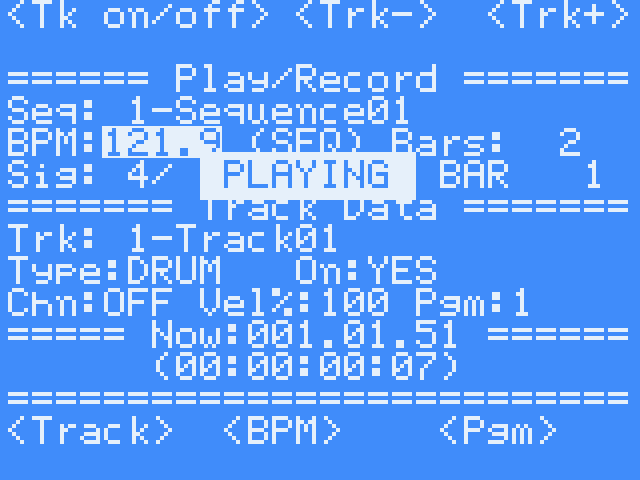 Main page |
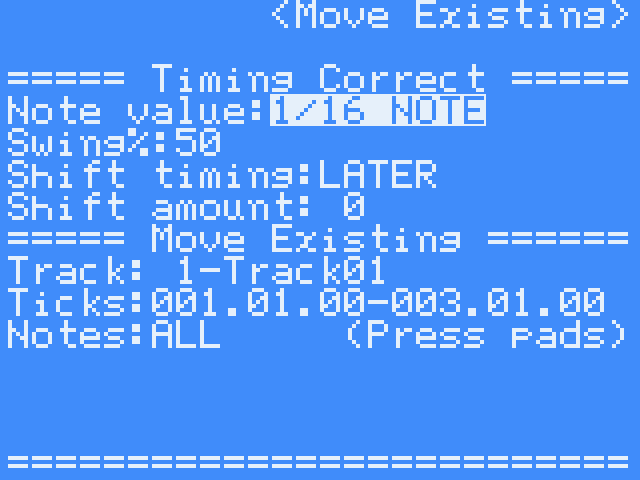 Timing Correct and swing |
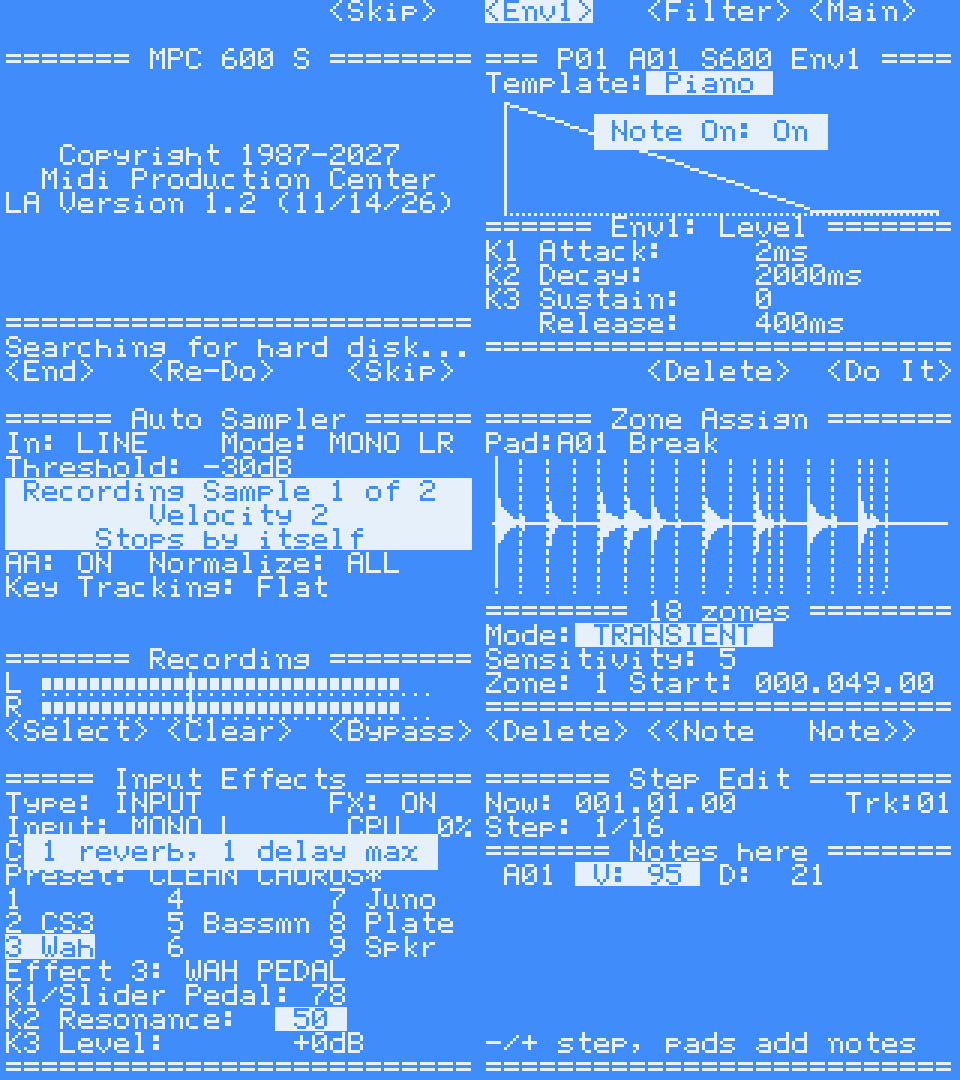
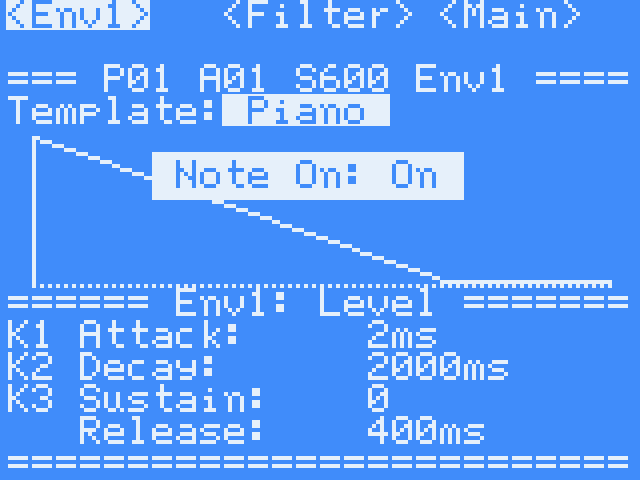 S600: envelopes |
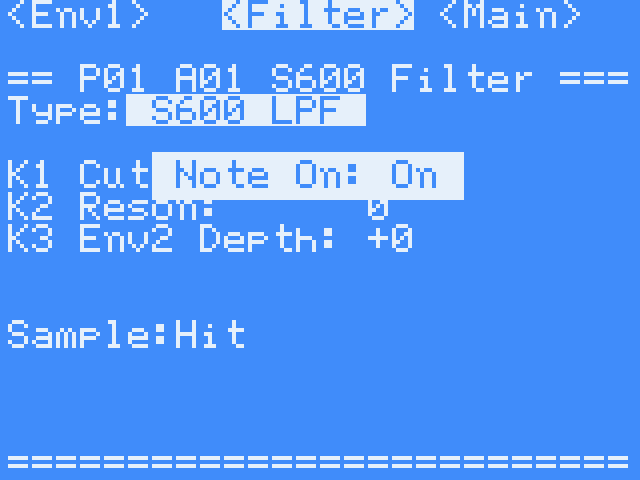 S600: ladder filter |
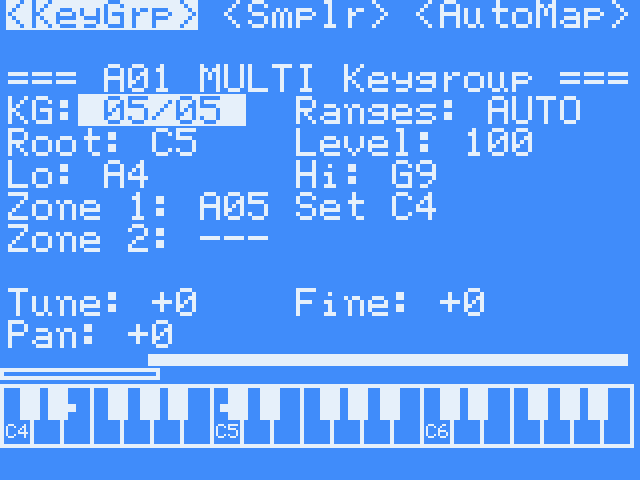 S600 MULTI: keygroups |
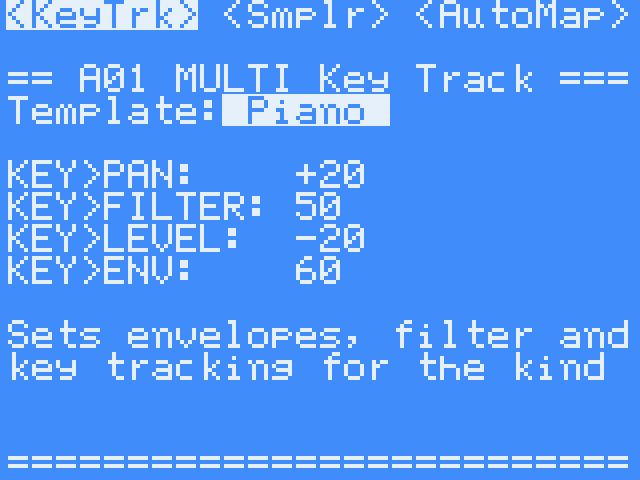 S600 MULTI: key tracking |
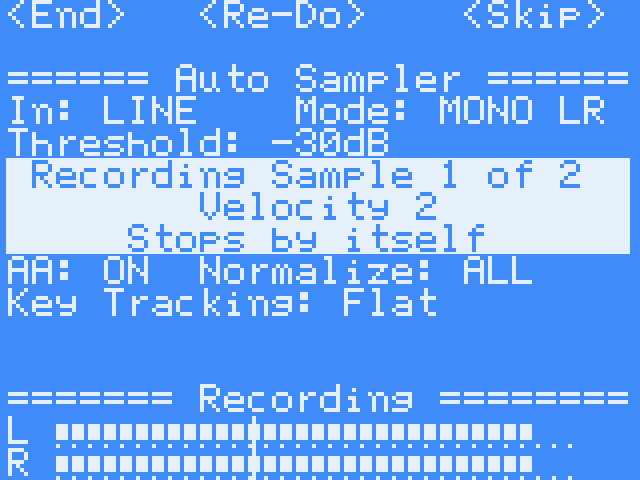 Auto Sampler |
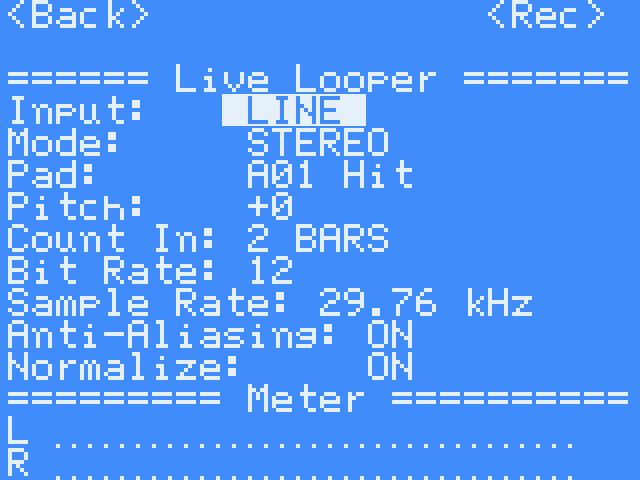 Live Looper |
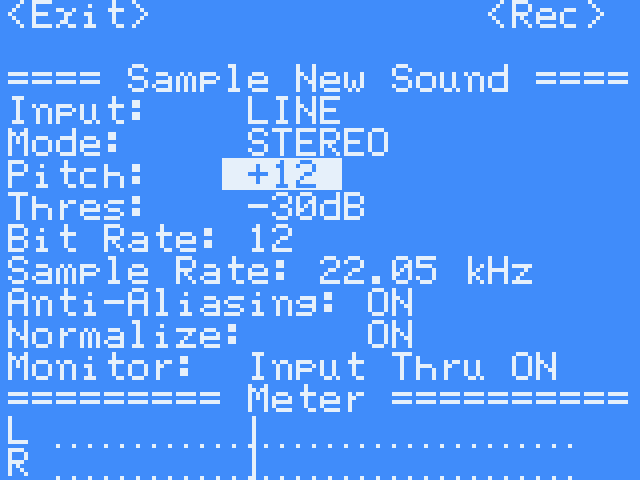 Sample New Sound |
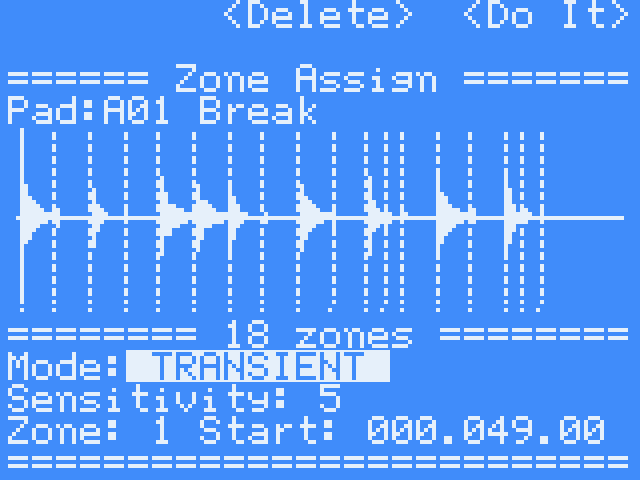 Zone Assign: TRANSIENT |
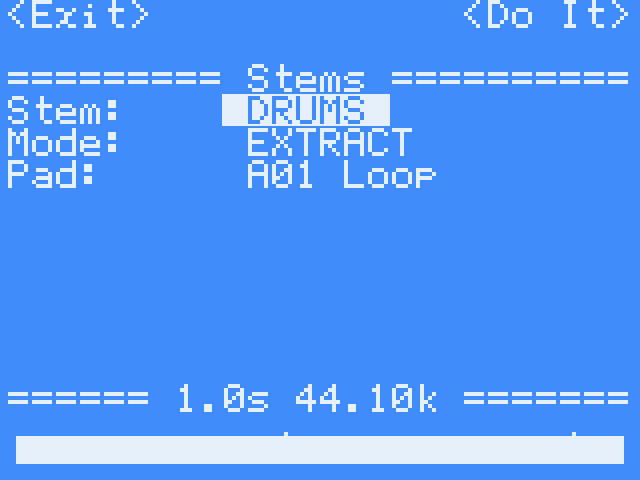 Stem separation |
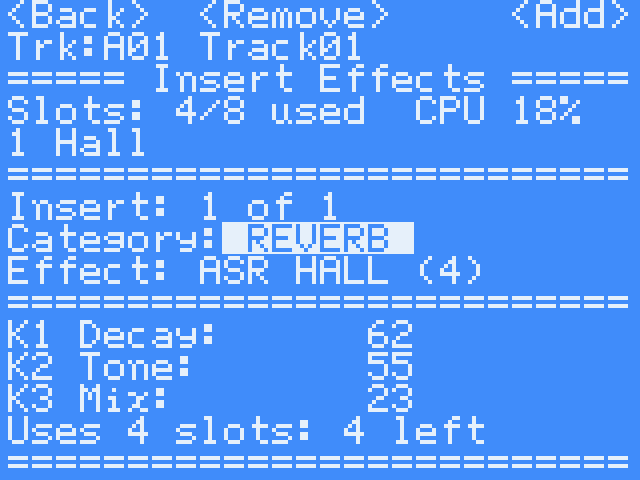 Insert effects |
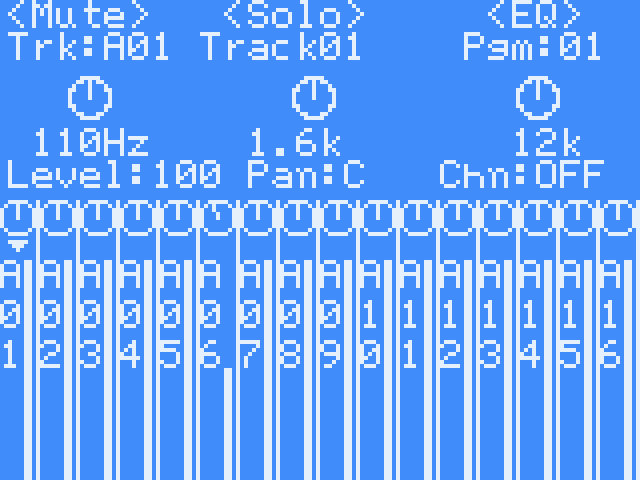 Track mixer |
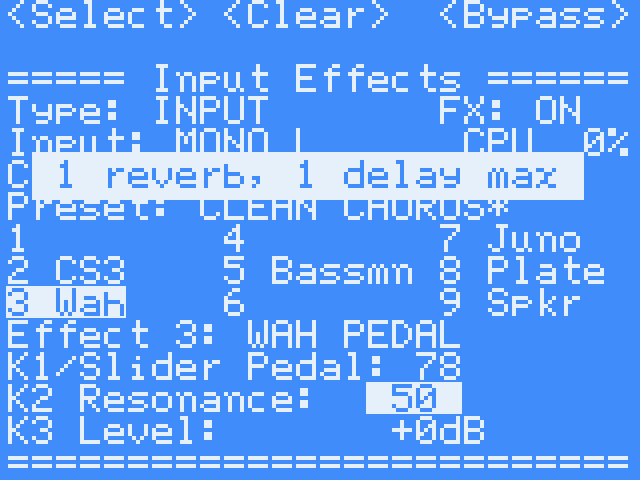 Input effects |
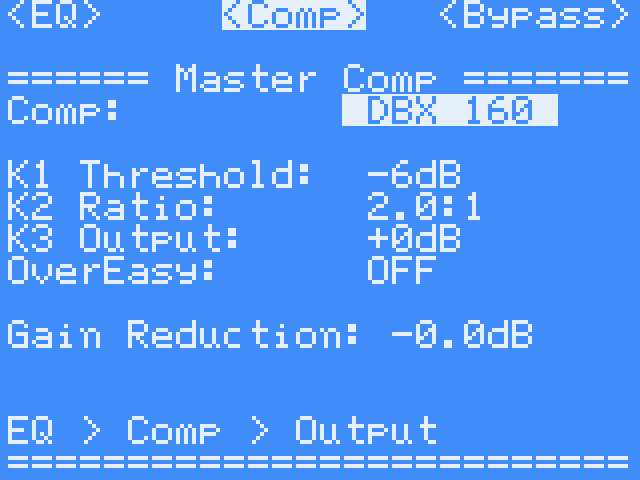 Master effects |
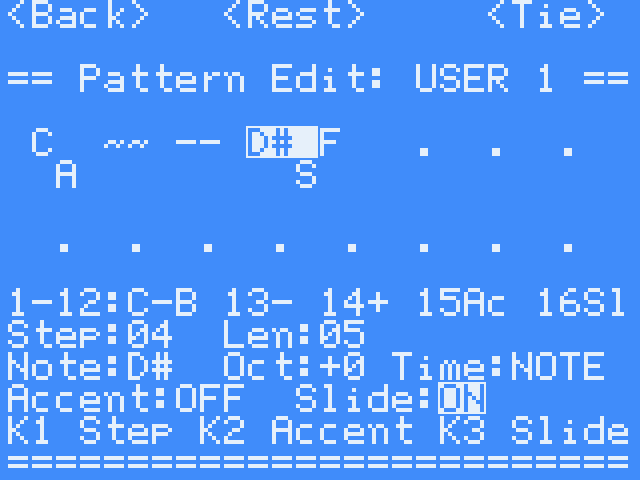 Arpeggiator: pattern edit |
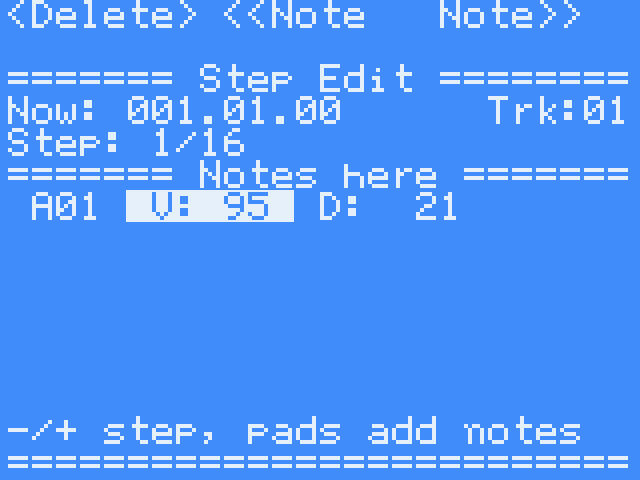 Step Edit |
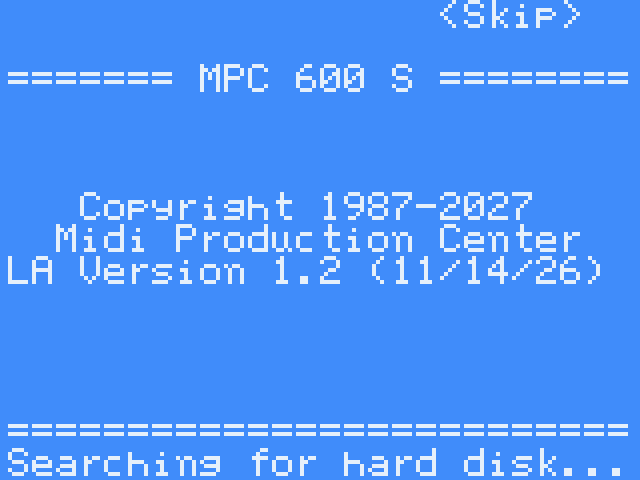 Title |
Building
Requires Zig and Python 3.
make          # bin/mpc-os and bin/mpc-os.zip (SD-card package)
make test     # host test suite
Manual source: docs/manual/manual.html; PDF via tools/build_manual.py. Arpeggiator presets: tools/arp_presets.py → os/arp_presets.h. Autorun packer: tools/make_autorun.py.
Contact
Lanny C (LA). Questions and bug reports: doctorbnetwork@gmail.com
Video: youtube.com/@DoctorbNetwork
Licence
MIT: see LICENSE.
Credits
- Stem separation: Open-Unmix UMX-HQ (MIT).
tools/stemsgenerates the model files. - MPC, MPC Sample and the S-series are trademarks of Akai Professional. This project is not affiliated with or endorsed by Akai. Machines are named only to identify the features taken from them.
Recent releases
-
Release notes
New: Layout 2000XL. Additional Settings has a new line, Layout: DEFAULT or 2000XL. On 2000XL every page takes the MPC2000XL's look: its letters, tabbed key labels and dotted lines (with Screen: MPC2000, its colour too). The main screen is laid out as on the XL (B1-B3 read TrMUTE, Tr -, Tr +; the knobs are listed along the bottom; Next: shows beside the counter while a sequence change is pending). Track Mute shows unused tracks as (Unused). Save/Load, the metronome and the envelope page have the XL's pictures. Start-up reads MPC 600 S Version 1.7.
New: USB Data Mode. Save/Load, Mode USB DATA, : the SD card becomes a USB drive on a computer without taking it out. Copy files, eject the drive on the computer, press . Use a USB data cable; a charge-only cable powers the MPC but the computer will not see the drive.
Fixed: pages opening by themselves. The page buttons (KNOB FX, PAD FX, MUTE, LEVELS, LOOP, CHOP, SAMPLE SELECT, SEQ, SAMPLE REC, PAD BANK) now act only on a whole press, down then up, held 12 ms to 4 s. A release with no press is ignored, and an ERASE tap under 12 ms is ignored (the Erase page no longer opens while turning the wheel).
Fixed: pad 12 lit yellow at start-up with Pad Lights OFF.
Fixed: sounds missing from Sample: / Snd:. A sound a pad lets go of stays in memory unless another pad plays it; loading or recording over a pad keeps the old sound. Memory holds 512 sounds.
New: Program Config. Copy and Swap work with another program's pads (the wheel picks the program). SHIFT + wheel on Snd: (and Sample:) steps only through sounds in memory that no pad plays.
Changed: Clear all on LOAD stays set for the next load.
Everything in v1.6D is included.
Install: extract MPC-600-S-OS-v1.7.zip and replace the autorun folder on the card. Your saved work, in MPC600S, is untouched.
-
Release notes
Fixed: Export of S600 MULTI programs. EXPORT (sequences, songs and mixdowns) played an S600 MULTI instrument as its Instrument pad's own sample, at the wrong pitch, instead of through its keygroups. It now sounds as it does when the sequence plays. Playback on the MPC was not affected.
Everything in v1.7 is included: the 2000XL Layout, USB Data Mode, steadier buttons, Program Config Copy/Swap across programs, and more (see v1.7).
Install: extract MPC-600-S-OS-v1.7A.zip and replace the autorun folder on the card. Your saved work, in MPC600S, is untouched.
-
Release notes
Fixed: the pop at start-up is reduced. The codec's volume glides down before the stock OS stops, then the MPC 600 S starts with 0.6 s of silence and fades in over 0.8 s. The speaker amp is no longer switched off and on again.
Fixed: the file lists no longer go back to the top. In Load Files and in the Save/Load browser, Back lands on the folder you just left, and each folder keeps its place until power-off.
Everything in v1.6C is included.
Install: extract MPC-600-S-OS-v1.6D.zip and replace the autorun folder on the card. Your saved work, in MPC600S, is untouched.