The MPC Sample's plugin rack on its own screen: add, turn on or off and remove plugins on the input, outputs, submixes and tracks. New in 1.0.1: packaged with the current addin installer; RACK itself is unchanged. install.sh now finds the MPC Sample's ac50 service (1.0.0's stopped with "Unit acvs.service not found"), installs sample-rack-apply executable so APPLY works, and INSTALL.md names the MPC Sample. An addin for MPC OS standalone devices: a library MPC loads at its start (through LD_PRELOAD ), not a plugin on a track. It is installed to /data/mpc-addins/sample-rack/ . An MPC Sample (aarch64). RACK is for the Sample only; the installer refuses a device that is not aarch64. Root shell access (SSH) to the device. Stock MPC OS doesn't offer this; you need a modded unit. Installing addins this way is unofficial: back up first, use at your own risk. Unzip, then copy the whole folder to the device, e.g. scp -r MPC-Sample-rack-addin-1.0.1 root@<device-ip>:/tmp/ Run it: ssh root@<device-ip> sh /tmp/MPC-Sample-rack-addin-1.0.1/install.sh The installer copies the addin into /data/mpc-addins/sample-rack/ , adds mpc_sample_rack.so to the LD_PRELOAD list of MPC's service and restarts MPC (save your project first). The list is extended, never replaced: other addins and the libraries the firmware preloads stay. Where no writable file sets the list (the unit is on the read-only root), one drop-in shared by every addin sets it, /etc/systemd/system/<service>.service.d/90-mpc-addins.conf . Re-run the installer after a firmware update. -y skips the question, -n leaves the restart to you. Settings are in /data/mpc-addins/sample-rack/mpc_sample_rack.conf ; an upgrade keeps your edits. On the MPC Sample a long hold of PAD FX now brings up RACK: the plugins on the input, outputs, submixes and tracks, to add, turn on or off and remove. Needs mpc-addin-sample-draw-handler 0.3 or later. APPLY restarts MPC with the changes in the project. ssh root@<device-ip> sh /data/mpc-addins/sample-rack/uninstall.sh takes the addin out of LD_PRELOAD , restarts MPC and deletes its folder. See SHA256SUMS . Made with mpc-vst-plugins ( docs/ADDINS.md ).
Release notes
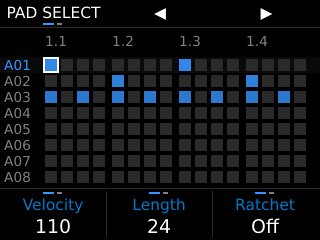
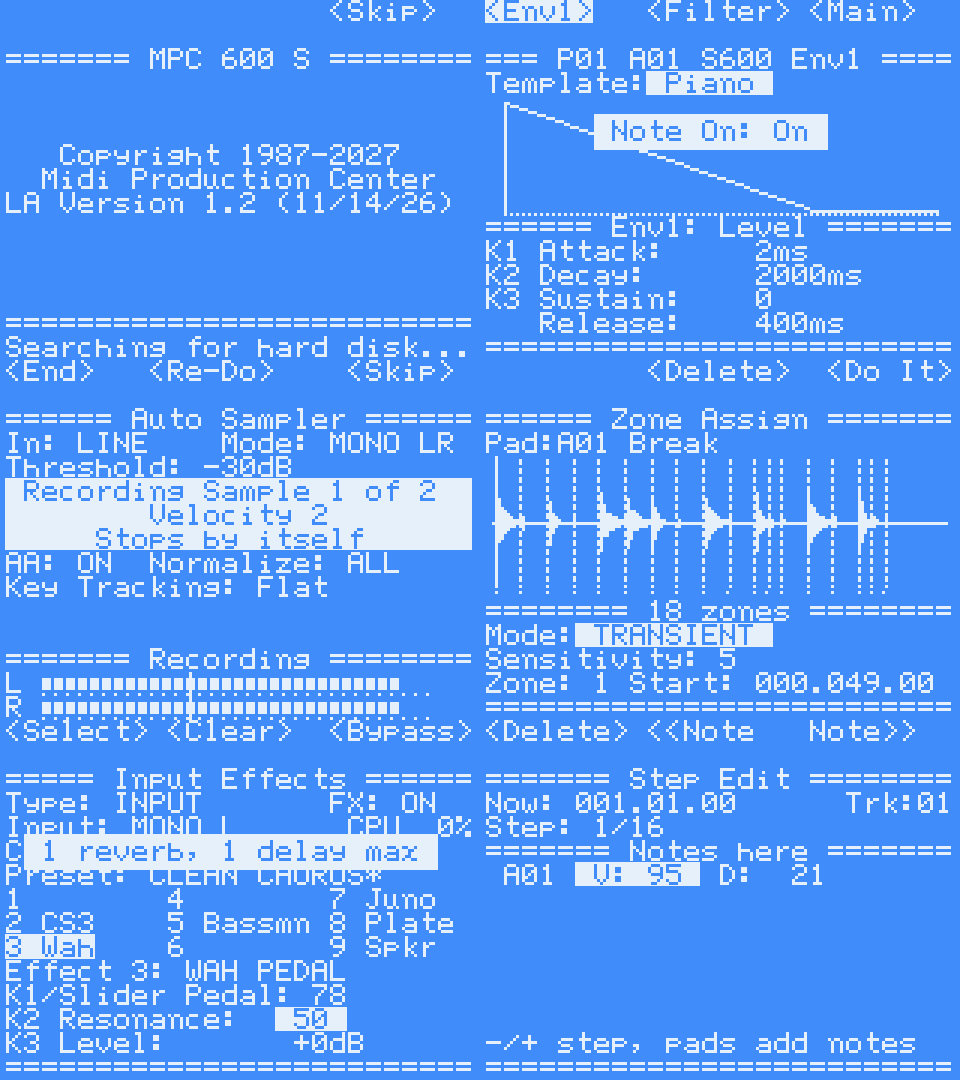
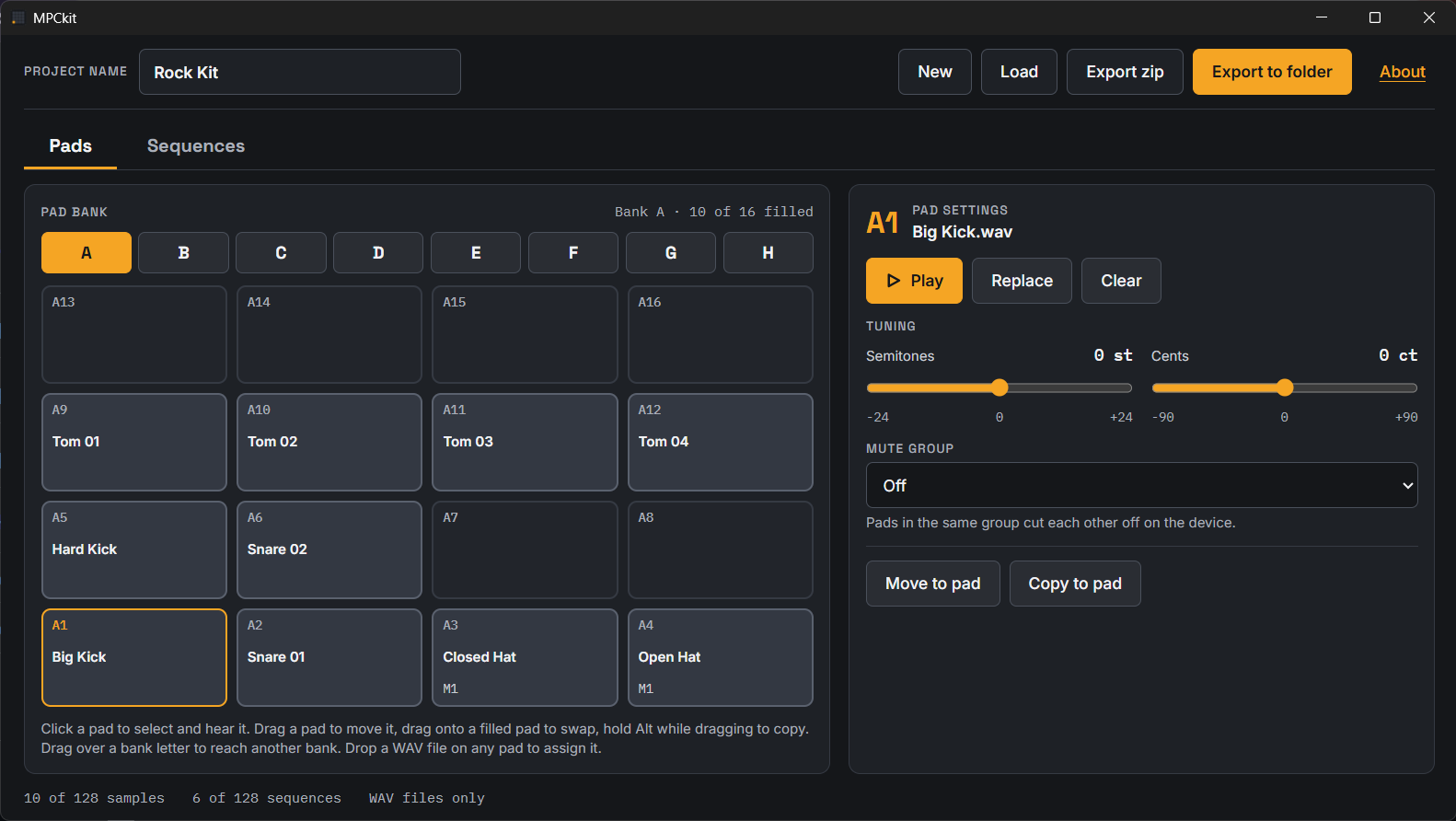
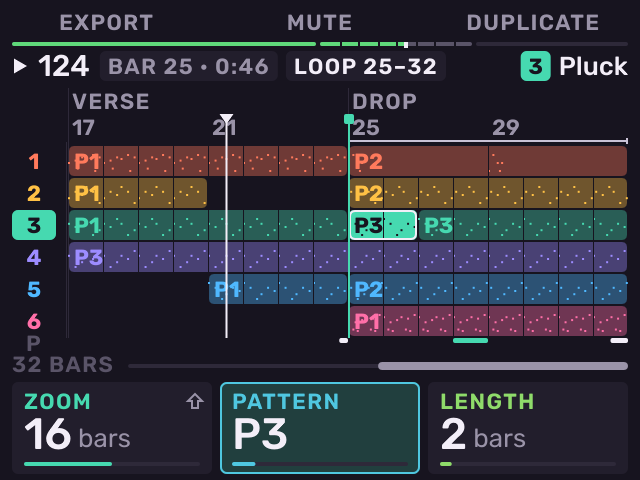
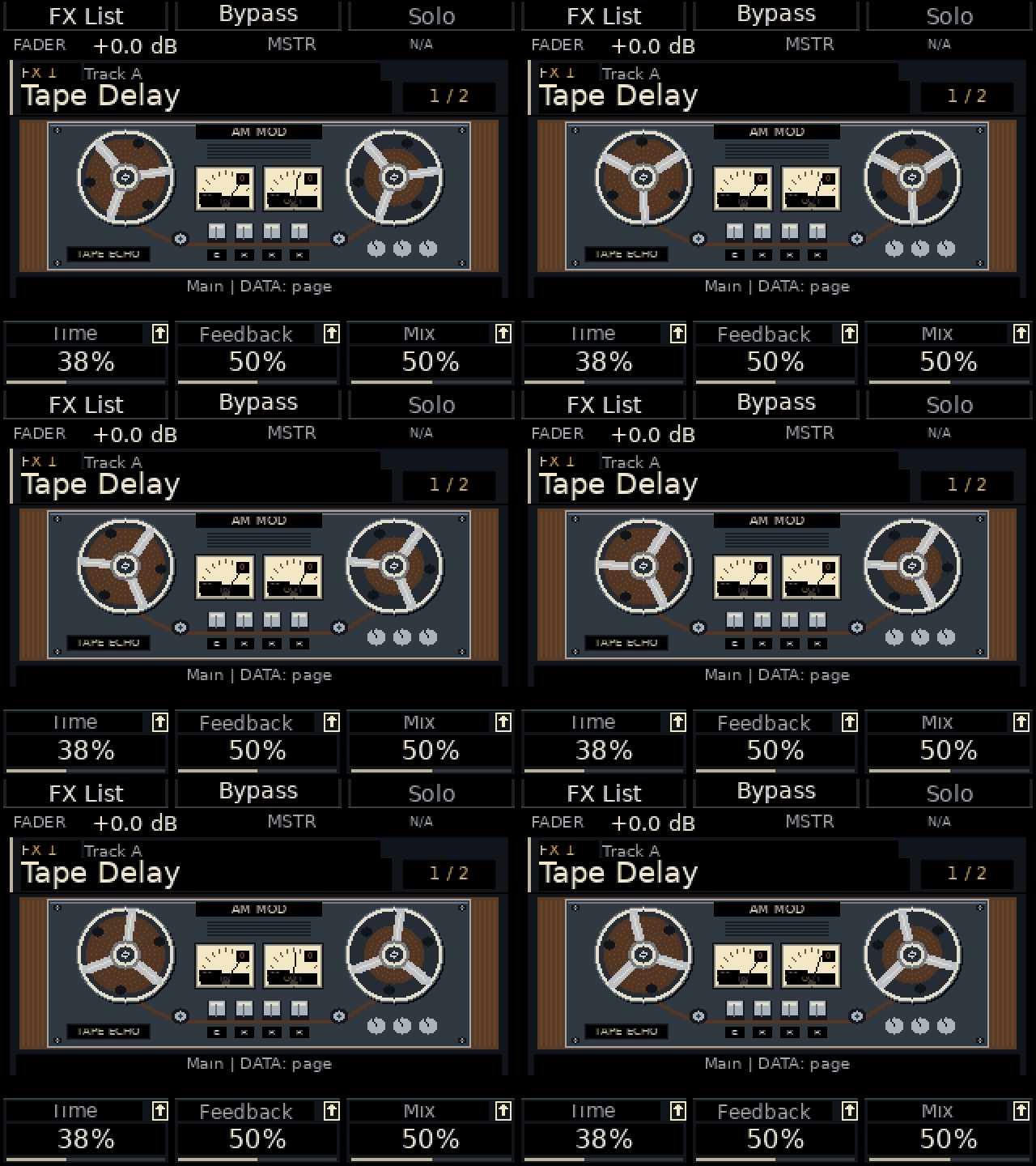
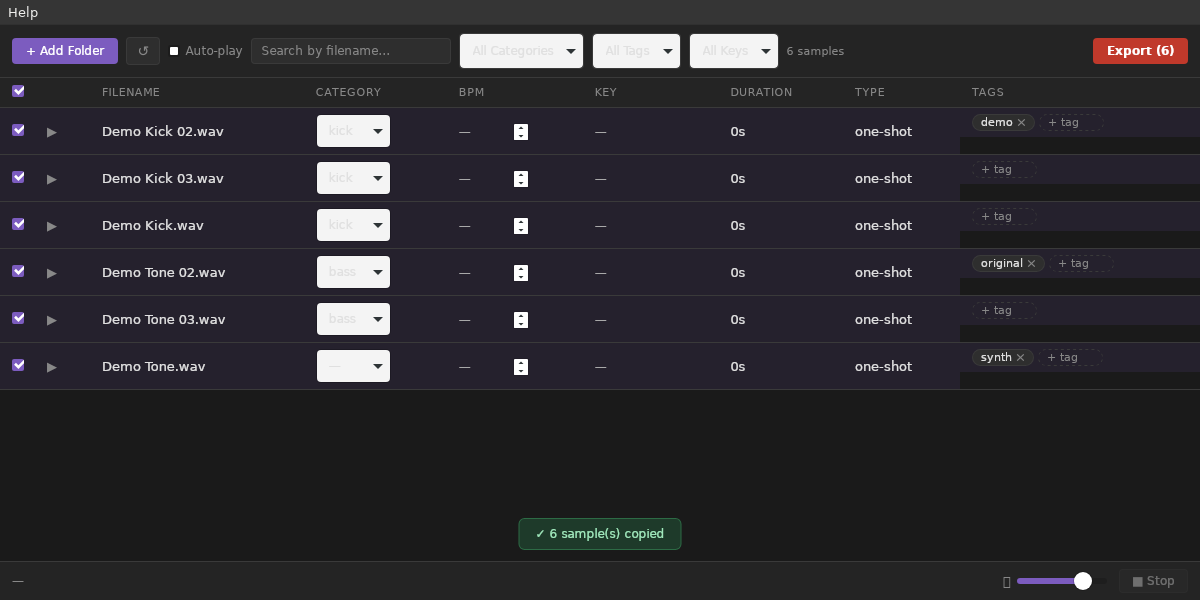
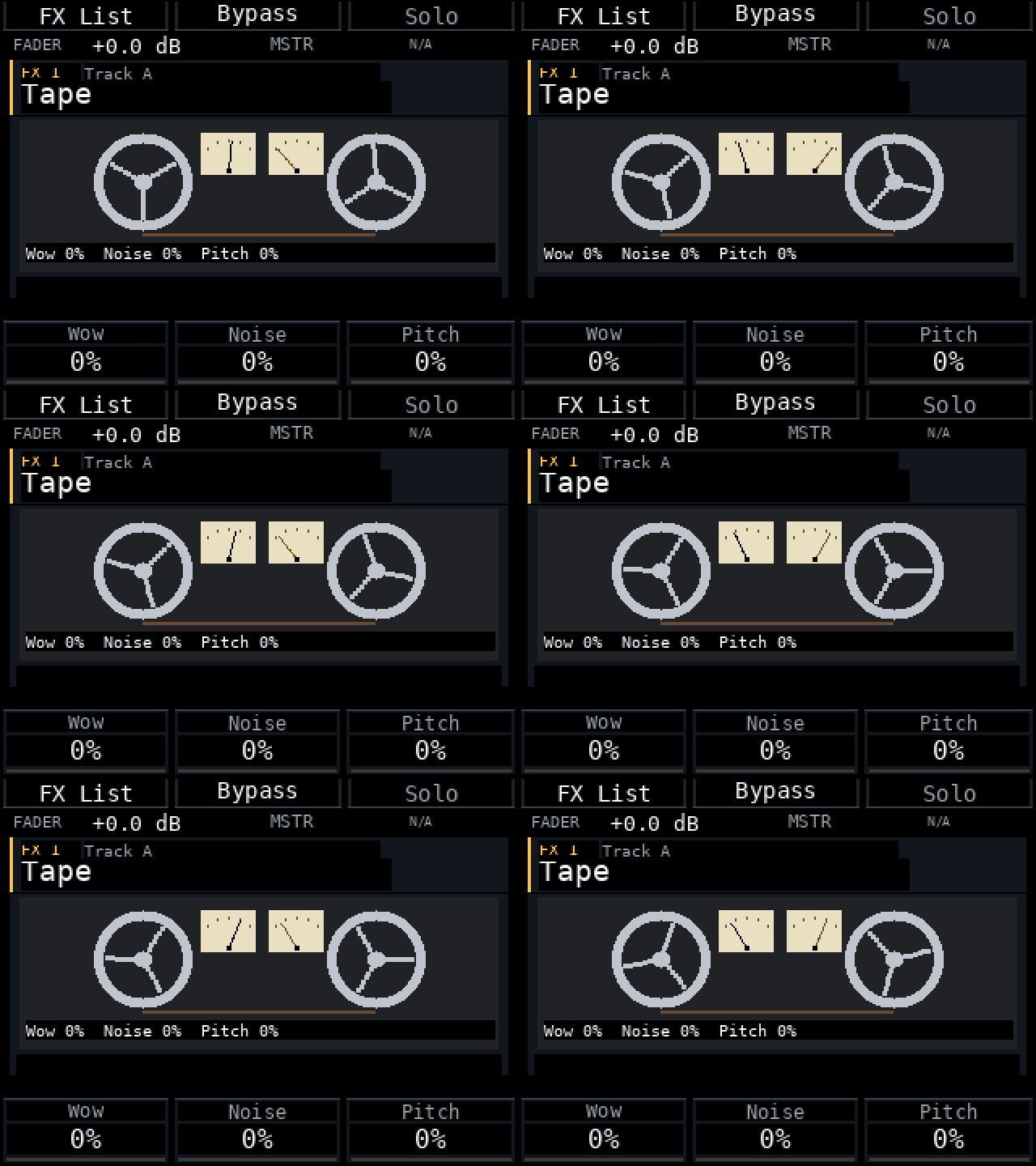
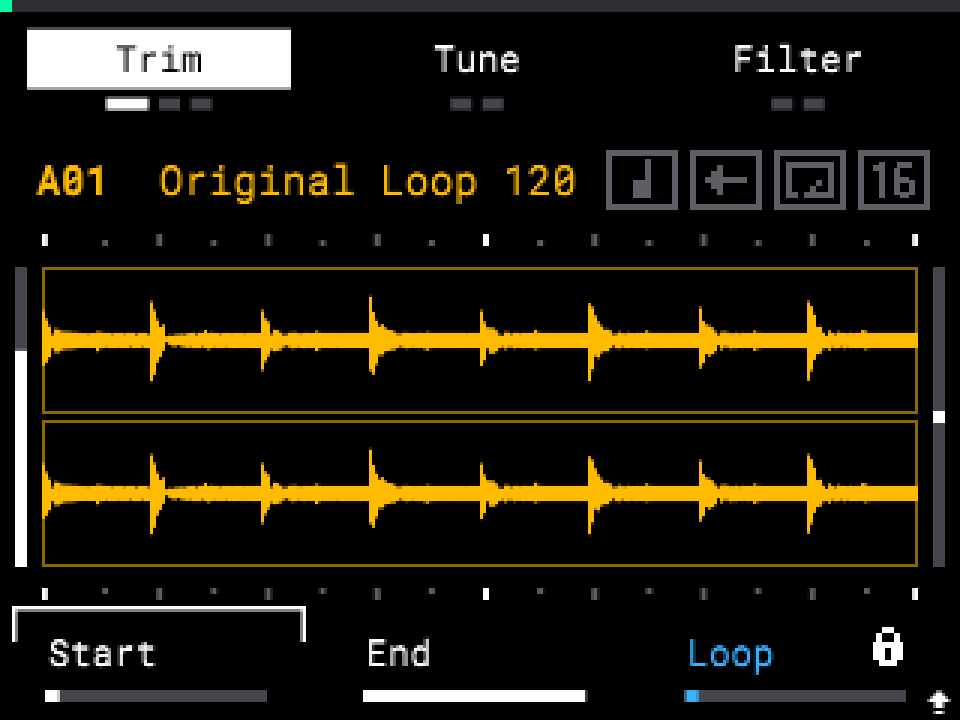
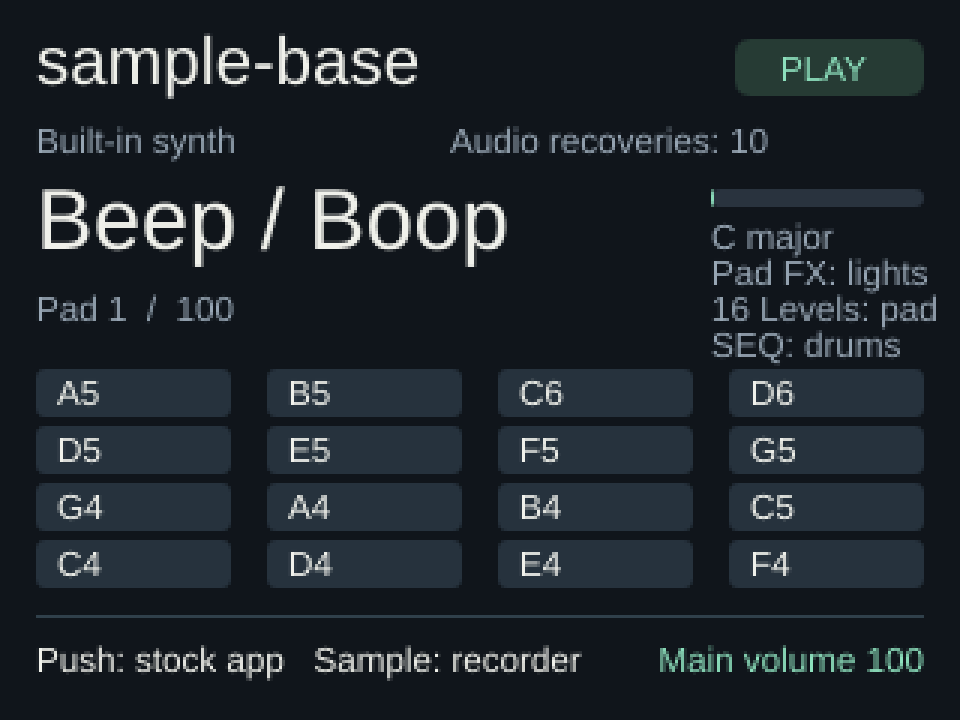
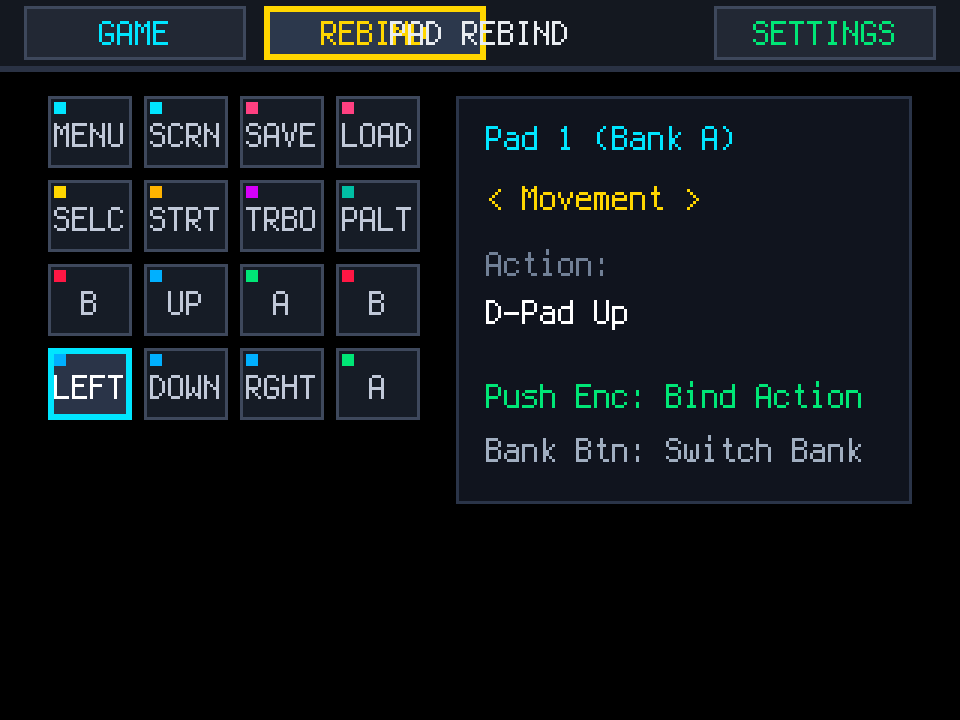
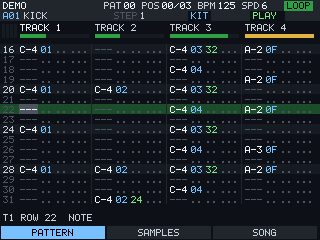
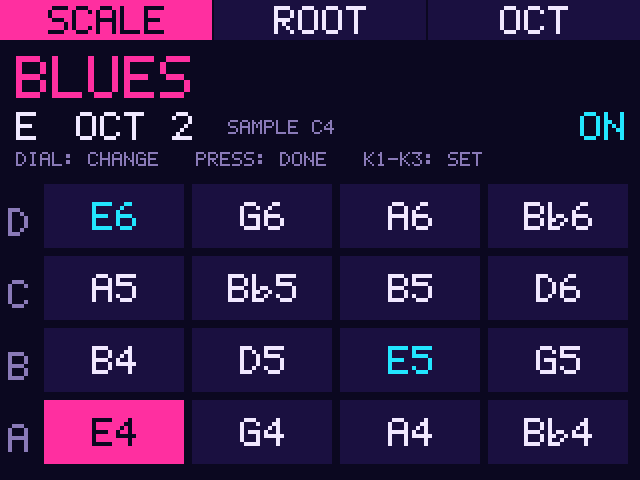
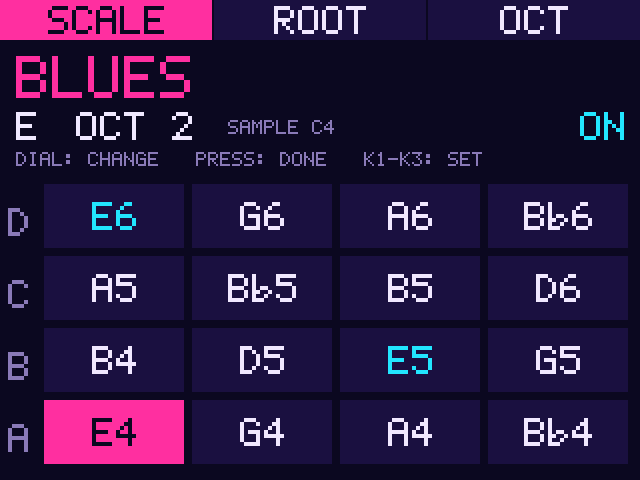
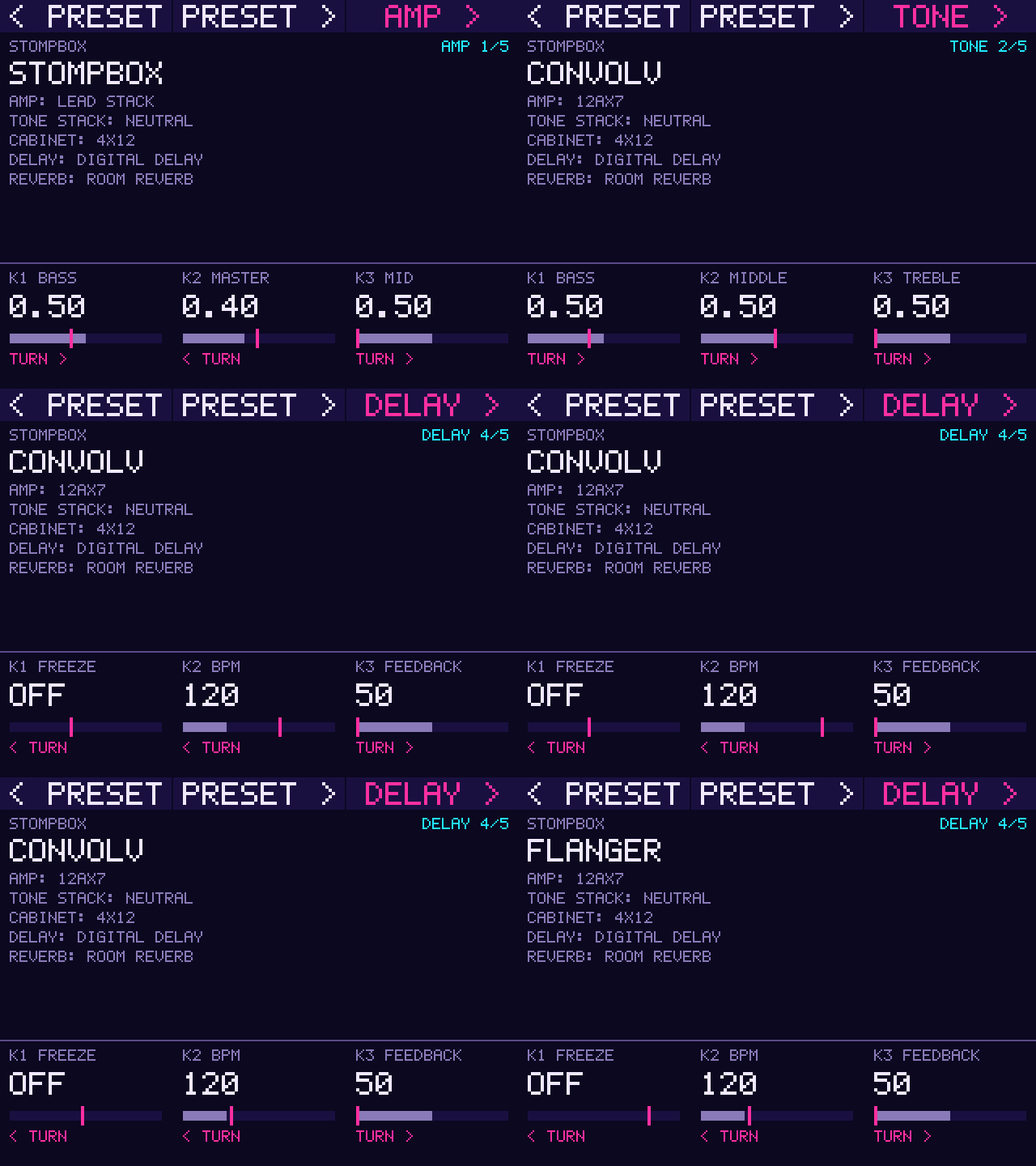
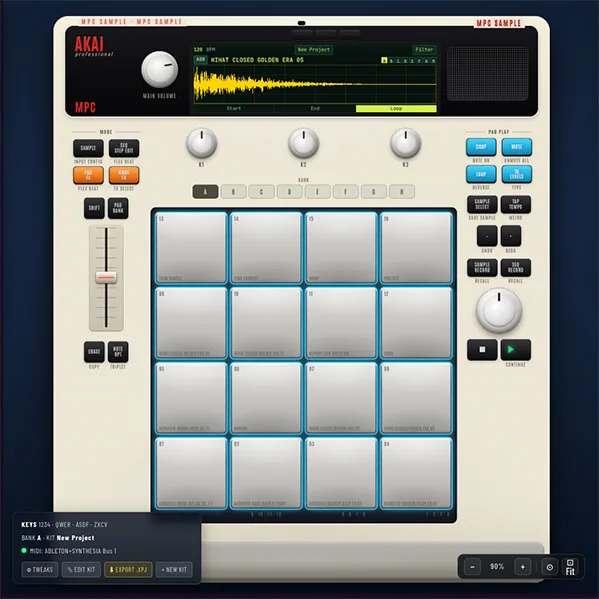
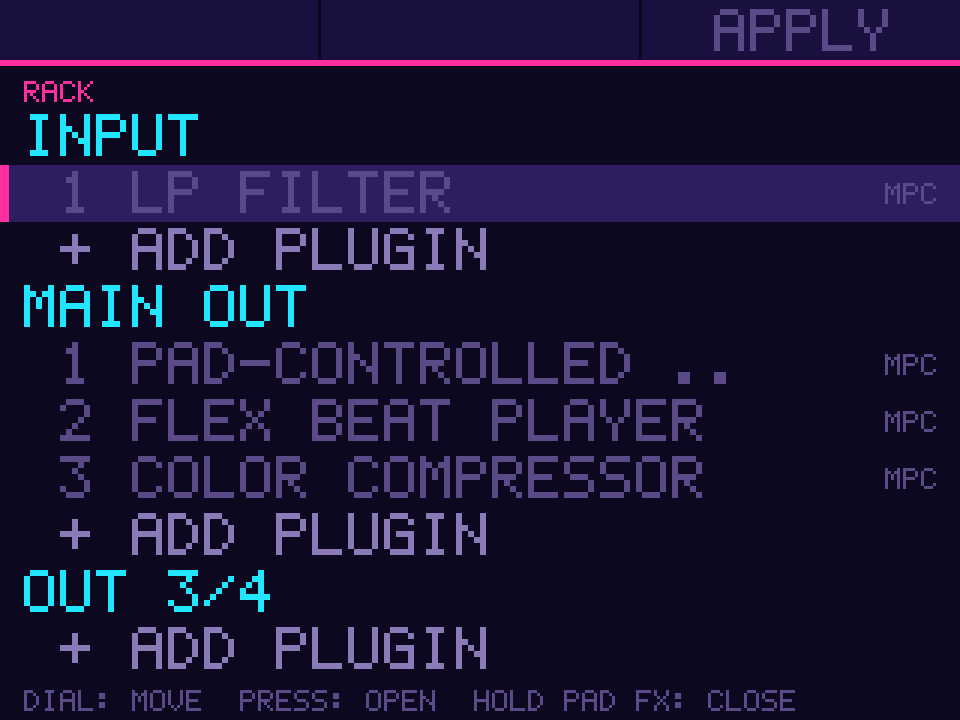
The MPC Sample's plugin rack on its own screen: add, turn on or off and remove plugins on the input, outputs, submixes and tracks.
New in 1.0.1: packaged with the current addin installer; RACK itself is unchanged. install.sh now finds the MPC Sample's ac50 service (1.0.0's stopped with "Unit acvs.service not found"), installs sample-rack-apply executable so APPLY works, and INSTALL.md names the MPC Sample.
An addin for MPC OS standalone devices: a library MPC loads at its start (through LD_PRELOAD), not a plugin on a
track. It is installed to /data/mpc-addins/sample-rack/.
Requirements
- An MPC Sample (aarch64). RACK is for the Sample only; the installer refuses a device that is not aarch64.
- Root shell access (SSH) to the device. Stock MPC OS doesn't offer this; you need a modded unit.
- Installing addins this way is unofficial: back up first, use at your own risk.
Install
- Unzip, then copy the whole folder to the device, e.g.
scp -r MPC-Sample-rack-addin-1.0.1 root@<device-ip>:/tmp/ - Run it:
ssh root@<device-ip> sh /tmp/MPC-Sample-rack-addin-1.0.1/install.sh
The installer copies the addin into /data/mpc-addins/sample-rack/, adds mpc_sample_rack.so to the LD_PRELOAD list of MPC's service
and restarts MPC (save your project first). The list is extended, never replaced: other addins and the
libraries the firmware preloads stay. Where no writable file sets the list (the unit is on the read-only root), one
drop-in shared by every addin sets it, /etc/systemd/system/<service>.service.d/90-mpc-addins.conf. Re-run the
installer after a firmware update. -y skips the question, -n leaves the restart to you.
Settings are in /data/mpc-addins/sample-rack/mpc_sample_rack.conf; an upgrade keeps your edits.
On the MPC Sample a long hold of PAD FX now brings up RACK: the plugins on the input, outputs, submixes and tracks, to add, turn on or off and remove. Needs mpc-addin-sample-draw-handler 0.3 or later. APPLY restarts MPC with the changes in the project.
Uninstall
ssh root@<device-ip> sh /data/mpc-addins/sample-rack/uninstall.sh takes the addin out of LD_PRELOAD, restarts MPC and
deletes its folder.
Files
See SHA256SUMS. Made with mpc-vst-plugins (docs/ADDINS.md).