Lightfoot
A Guitar Hero-style rhythm game for the MPC Sample pads. MIDI songs become four-lane note charts with timing scores, difficulty levels and saved high scores.
Screenshots (3)
Images: from Dyldog/Lightfoot
About
A rhythm game for the Akai MPC Sample in the Guitar Hero mould, played on the pads.
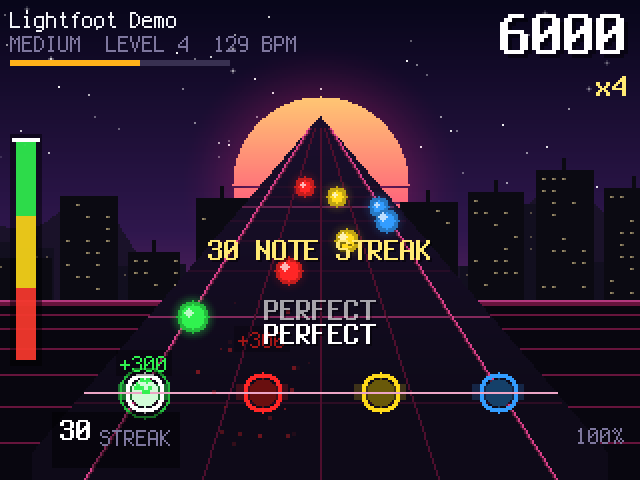
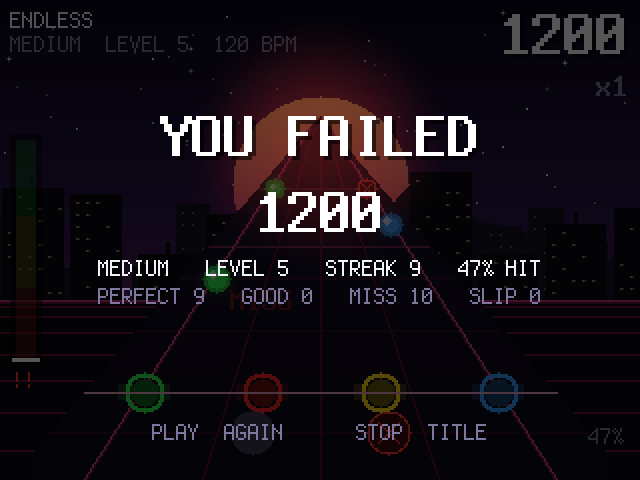
Gems come down a four-lane highway at the music's tempo, and the sixteen pads are the same highway: each column is a lane, each row is a step ahead, the bottom row is the strike line. When a gem reaches the line you hit a pad in its lane on the beat. On time is PERFECT, close is GOOD, early breaks your streak. Two gems joined by a bar are a chord, hit both lanes. A dark crossed gem is a decoy, leave it. Misses drain the rock meter and hits fill it; empty and you fail. Every ten hits in a row raise the multiplier, every 32 beats raise the level, and K3 picks Easy to Expert. Scores are kept on the card.
Drop a Standard MIDI File into Lightfoot/Songs/ on the card and it becomes
the music and the chart: the game picks the lead instrument (the wheel can
overrule it), the lead's notes become the gems, the lanes follow the shape
of the tune, the file's tempo drives the highway, and the melody only sounds
when you hit it. The run ends with SONG CLEAR. A demo tune is written there
on first run.
Everything is synthesised on the device: the music, the effects, the night skyline. The panel plays along: the pads are the highway, TAP TEMPO is the metronome, the level meters show the rock meter and the kick, the track LEDs the level, the right-hand buttons chase on a level-up, K1 repaints the night, K2 opens the filter, K3 picks the difficulty, the fader is an assist.
Runs from the SD card like any autorun app. Nothing on the device is modified. Firmware 1.3.0.12.
Screens
 |
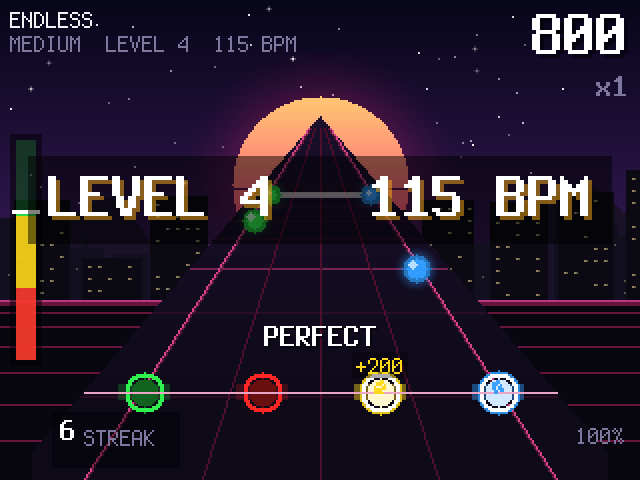 |
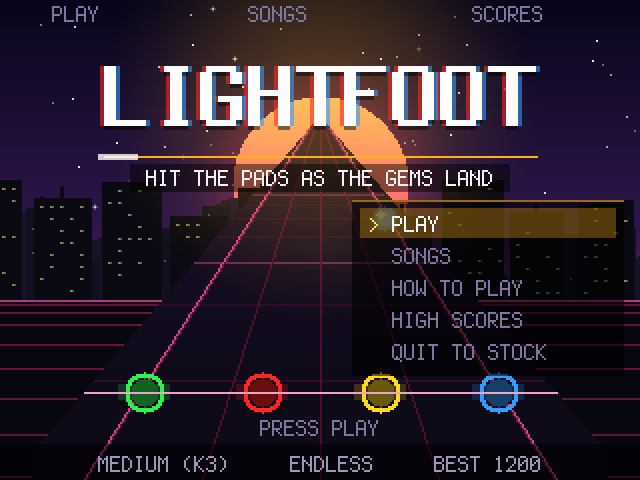
| Title | Endless, level 4 |
 |
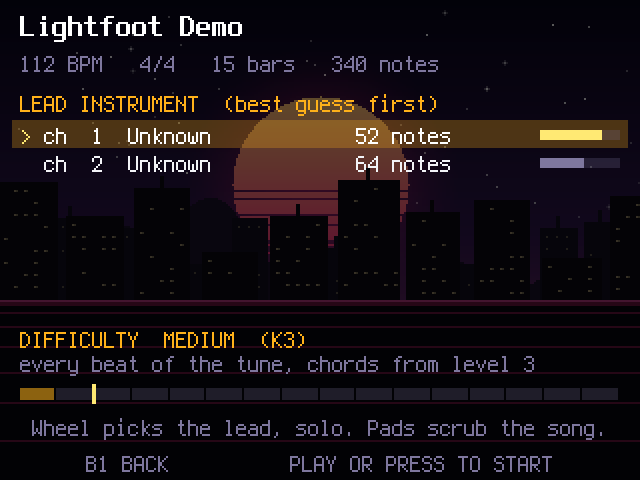 |
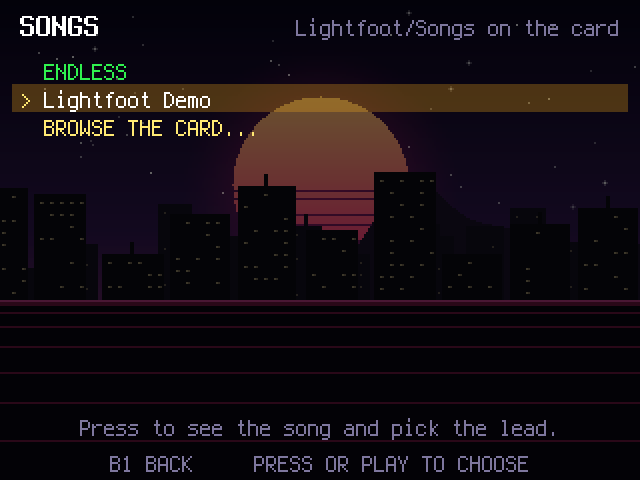
| Songs on the card | A song's page: pick the lead |
 |
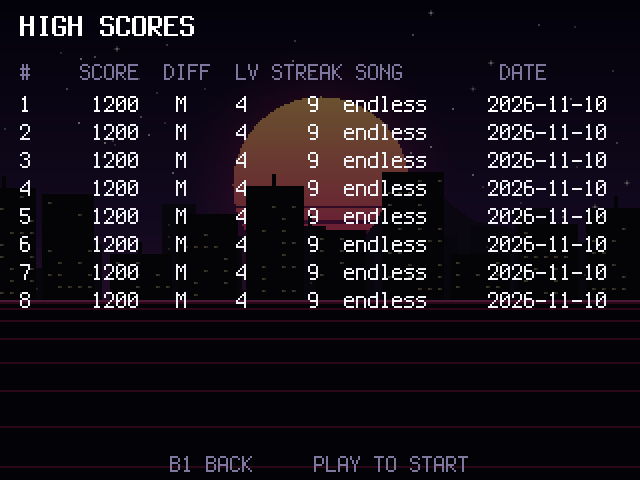 |
| Game over | High scores |
The screenshots are taken by the simulator itself: make shots renders every
screen headlessly into build/shots/, and make screens copies the ones the
README and manual use into docs/screens/.
- MANUAL.md is how to play; Lightfoot-Manual.pdf is generated from it and ships in the package.
- PLAN.md has the design and what is next.
Build
Requirements: zig (cross-compiler), python3, SDL2 (brew install sdl2)
for the Mac simulator, pandoc and typst (brew install pandoc typst) for the PDF.
git submodule update --init --recursive
make sim          # Mac simulator: build/sim/lightfoot-sim (make run starts it)
make shots        # headless screenshots of every screen into build/shots/
make test         # unit tests + shots
make device       # static aarch64 binary: build/device/lightfoot
make manual       # MANUAL.md -> Lightfoot-Manual.pdf
make package      # SD autorun package: build/pkg/lightfoot.zip
make hooks        # git hook: rebuilds the PDF whenever MANUAL.md is committed
Simulator keys: Space PLAY, S STOP, Up/Down or the mouse wheel for the data wheel, Return for the wheel press, F1–F3 for B1–B3, Left Shift for SHIFT, and the pads on Z X C V / A S D F / Q W E R / 1 2 3 4 (bottom row to top row).
Install on the device
- Unzip
lightfoot.zip. Copy theautorunfolder to the root of an exFAT microSD card, or add the zip to mpc-boot-thingy withsetup.sh --add. - Power the MPC off, insert the card, power on.
- To return to stock: Quit to stock on the title screen, or SHIFT + STOP twice, or power on without the card.
Layout
Sources/
  Game/       rules, judging, scoring, course generation, drawing, scores
  Audio/      the synth: music, effects, and the beat clock
  Shared/     canvas, input frame, JSON, paths
  Platform/   Host (SDL2 simulator, screenshots) and Device (DRM/panel via the toolkit, tinyalsa)
Tests/        unit tests (make test)
deps/         submodules: mpc-ui-toolkit, tinyalsa
docs/         icon.png (the boot menu tile, packed as autorun/icon.png), screens/, manual.json
tools/        package.sh, build-manual.py, check-manual.py, hooks/
Not affiliated with inMusic Brands or Akai Professional. No Akai code or firmware is in this repository.